Translate a 300-Page Book in Minutes: Real Test Results
Can you really translate a 300-page book in under 10 minutes? We tested it with a real 335-page French novel to find out.
The answer: Yes. 8 minutes 54 seconds with Fast mode. 12 minutes 30 seconds with Balanced mode. 20 minutes 8 seconds with High Precision mode.
This guide shows you exactly what to expect from each translation mode, backed by real test data and quality scores.
The Test
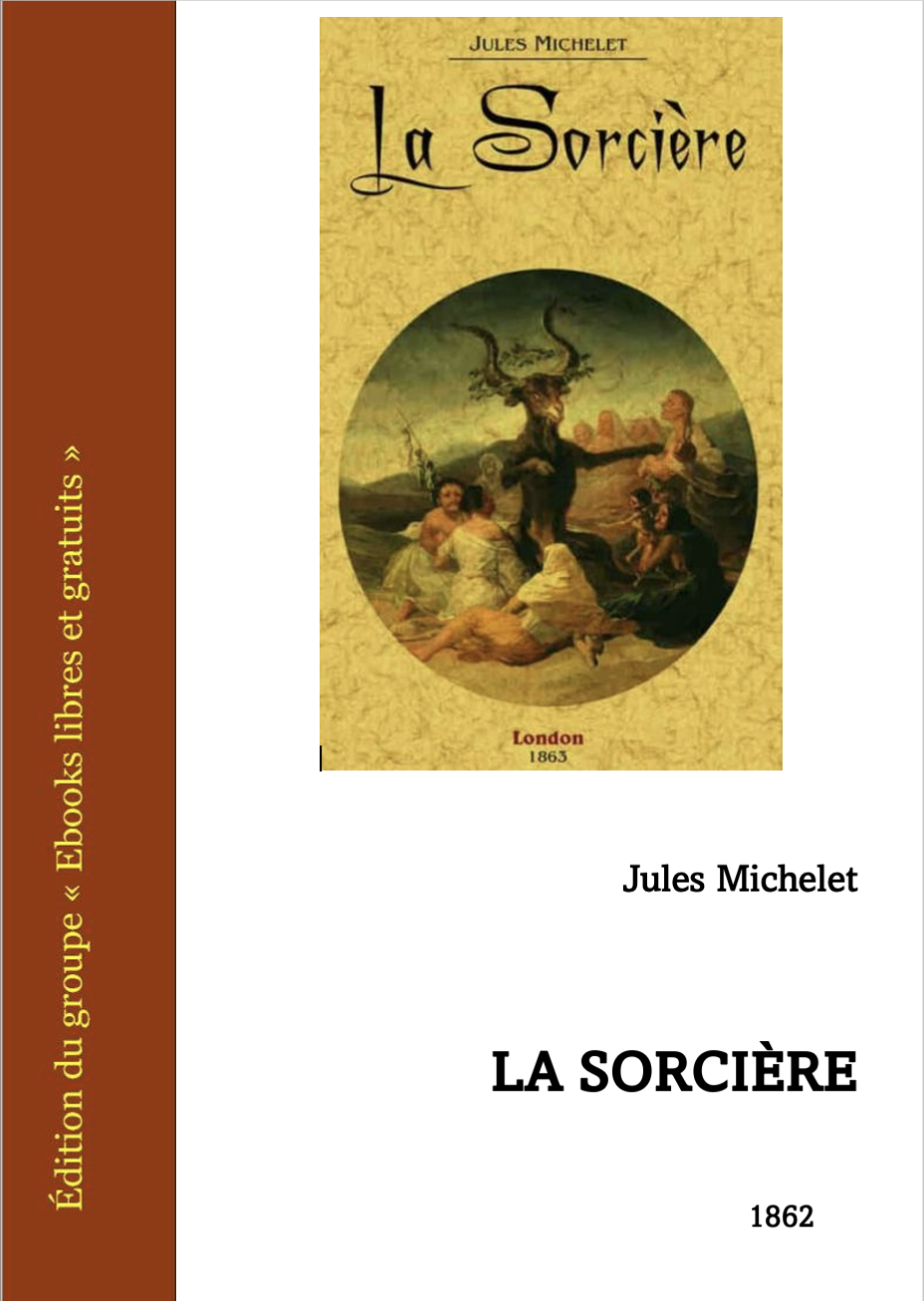
We chose "Les Sorcières" by Jules Michelet, an 1862 French historical work. Perfect test case:
- 335 pages (DOCX format)
- Complex literary French from the 19th century
- Mix of narrative and historical analysis
- Exactly the kind of document academics and translators work with
Hardware: MacBook M1 PRO (10-core CPU, 16GB RAM)
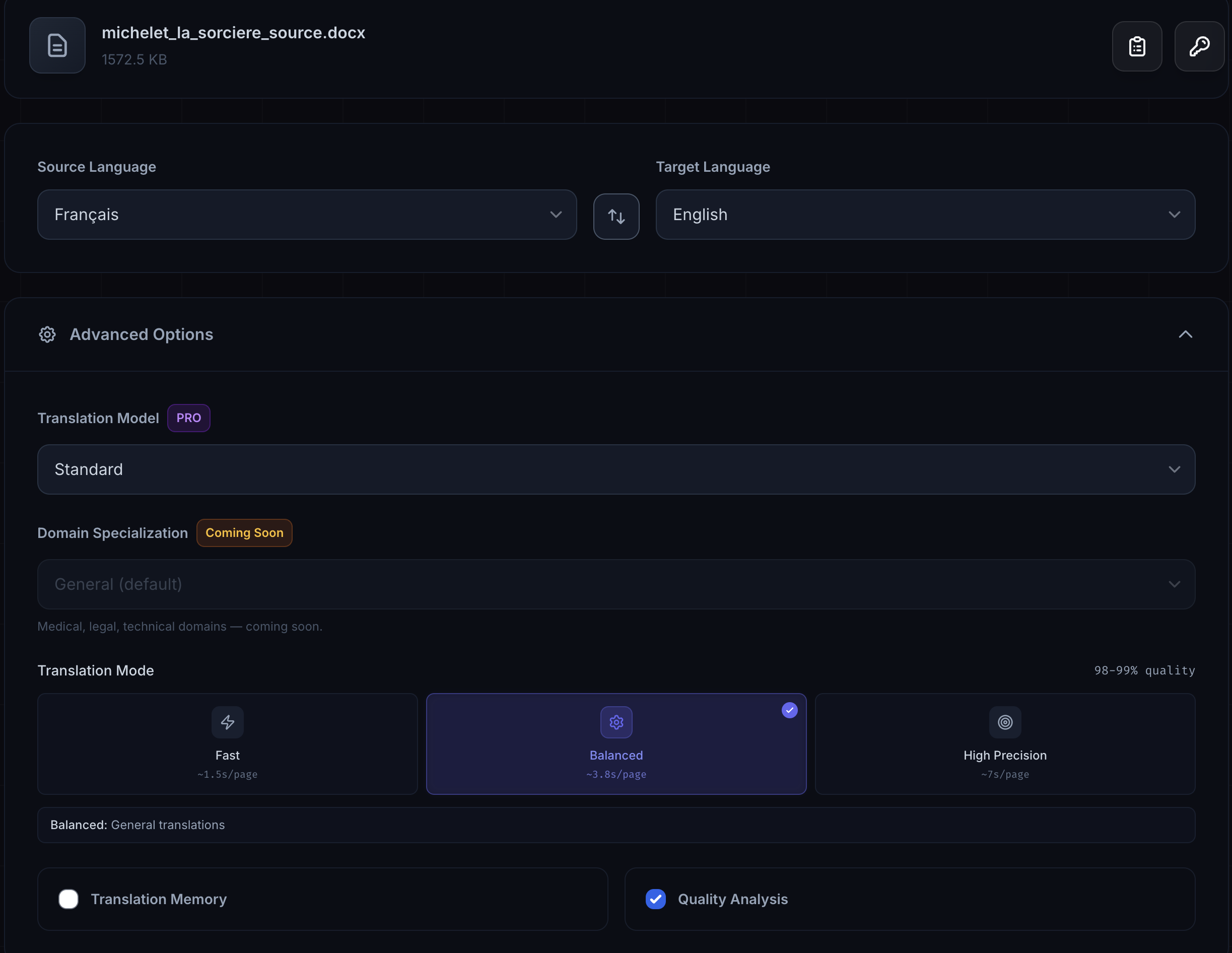
Settings:
- French to English
- Standard engine (available in FREE tier)
- Quality Comparison enabled to track results
We ran the same book through all three modes to compare speed and quality directly.
Balanced Mode: 12 Minutes 30 Seconds
Translation time: 12m 30s
Quality: 1,092 excellent / 1,098 total (99.5%)
Review needed: 6 segments
Balanced mode finished the 335-page book in just over 12 minutes. That's ~3.8 seconds per page.
Quality Results
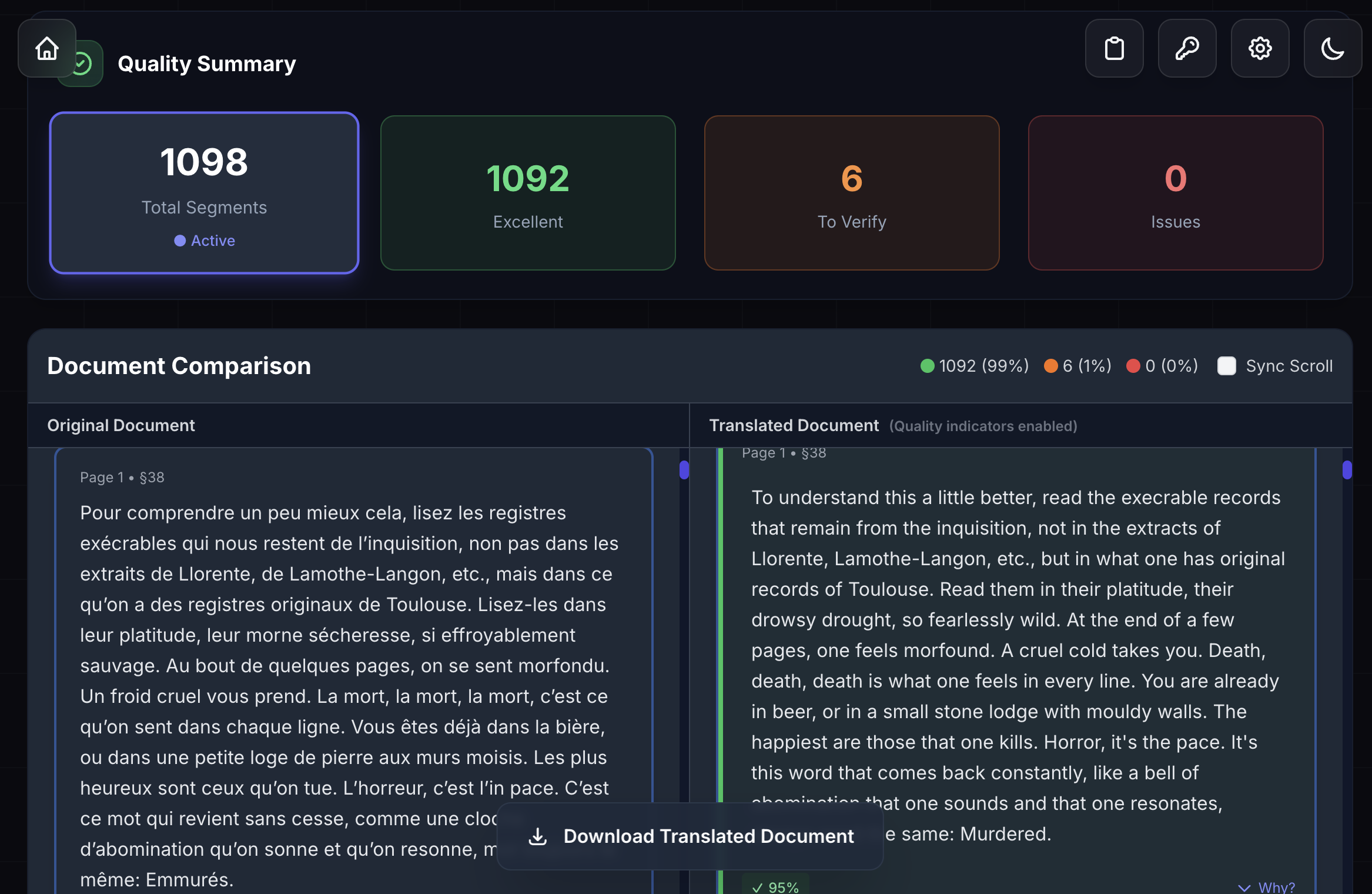
The Quality Comparison feature grades each translated segment automatically:
- 99.5% rated Excellent (1,092 out of 1,098 segments)
- 6 segments flagged for quick review (0.5%)
- 0 critical errors
Those 6 flagged segments took about 2 minutes to review. Total time from upload to publication-ready: under 15 minutes.
When to Use Balanced
- General translation work
- Academic papers and theses
- Business documents
- Books and long-form content
- Anywhere you need good speed AND good quality
This is the default mode for a reason. It handles 90% of translation work.
Fast Mode: 8 Minutes 54 Seconds
Translation time: 8m 54s
Quality: 1,090 excellent / 1,098 total (99.3%)
Review needed: 8 segments
Time saved: 28.8% faster than Balanced
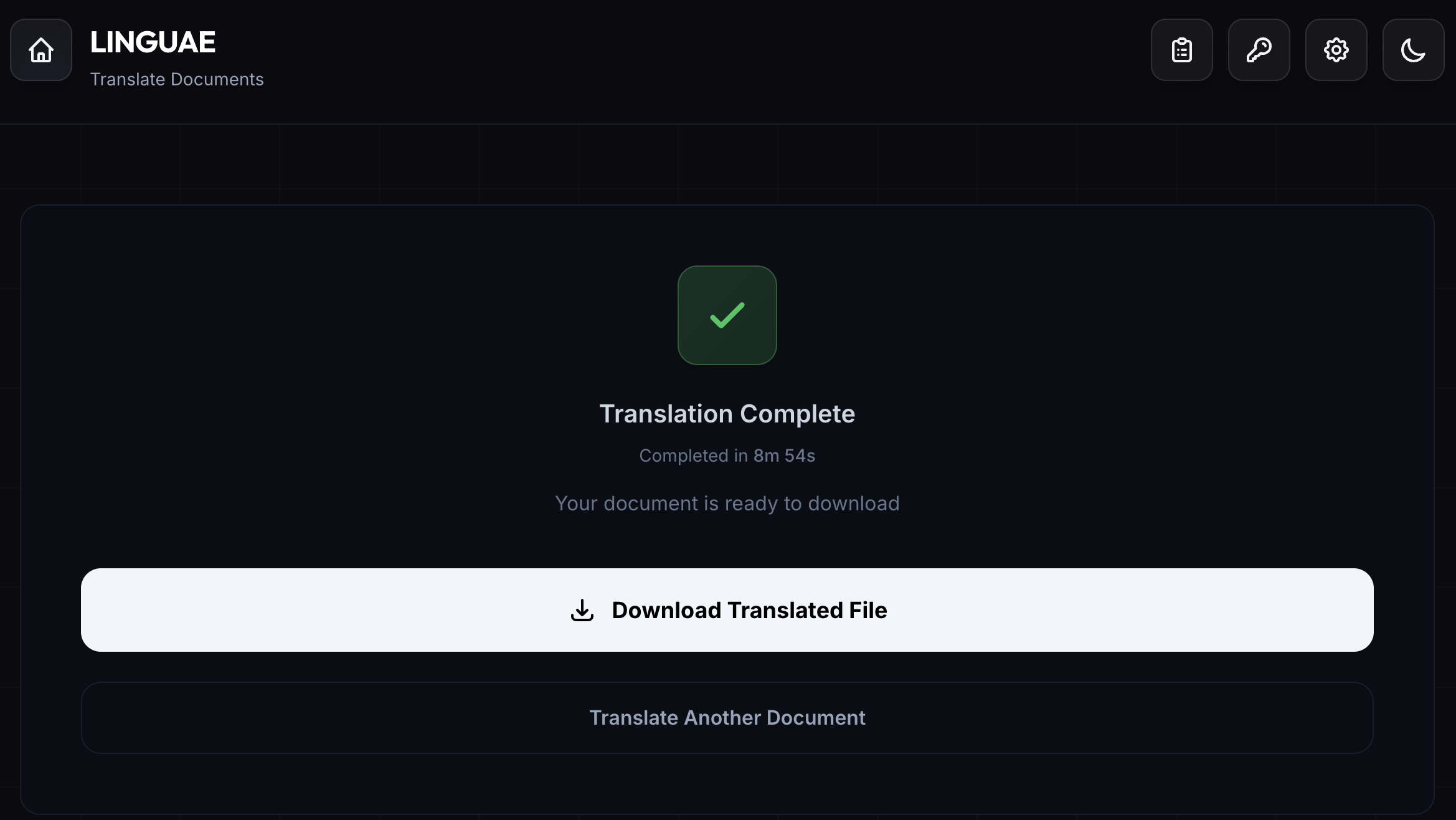
Fast mode delivered the complete 335-page translation in under 9 minutes.
The Trade-Off
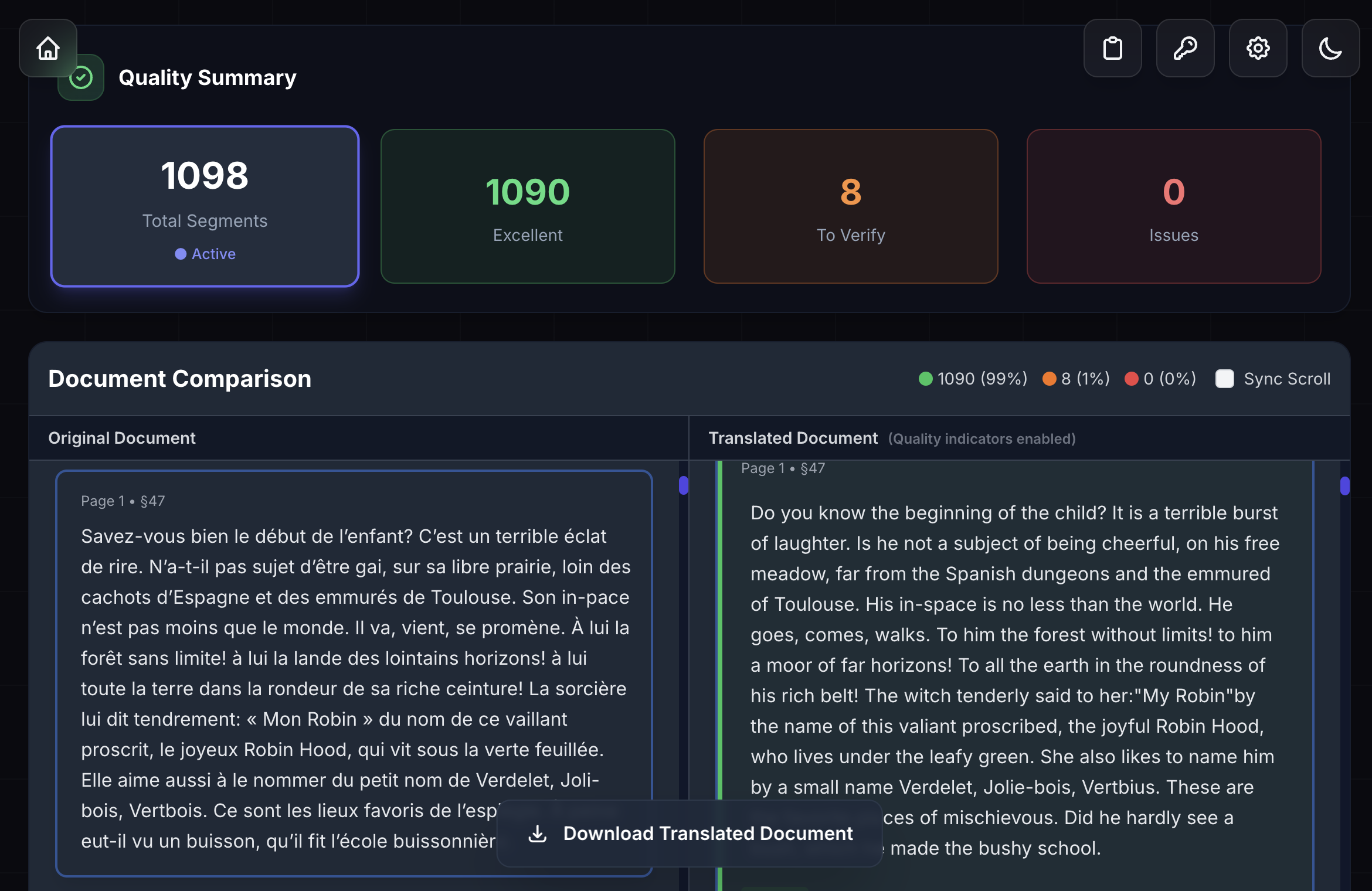
Compared to Balanced mode:
- 2 more segments to review (8 instead of 6)
- 99.3% excellent (vs 99.5%)
- 3 minutes 36 seconds faster
That's an extra minute of review time to save 3.5 minutes of translation time. For many situations, that's a good trade.
When to Use Fast
Quick previews: Want to know if a document is worth translating? Run it in Fast mode first.
Batch screening: Translate 10 research papers quickly to find the relevant ones.
Time-critical work: Need a complete draft in 10 minutes? Fast mode delivers.
First-pass workflow: Get a full translation fast, then refine critical sections manually.
Real Example
A researcher needs to review 15 conference papers (20 pages each) to find relevant work.
- Fast mode: All 15 papers translated in 7.5 minutes
- Identifies the 3 most relevant papers
- Re-translates those 3 in High Precision: 6 more minutes
- Total: 14 minutes instead of hours or days
High Precision Mode: 20 Minutes 8 Seconds
Translation time: 20m 8s
Quality: 1,092 excellent / 1,098 total (99.5%)
Review needed: 6 segments
Time cost: 38% slower than Balanced
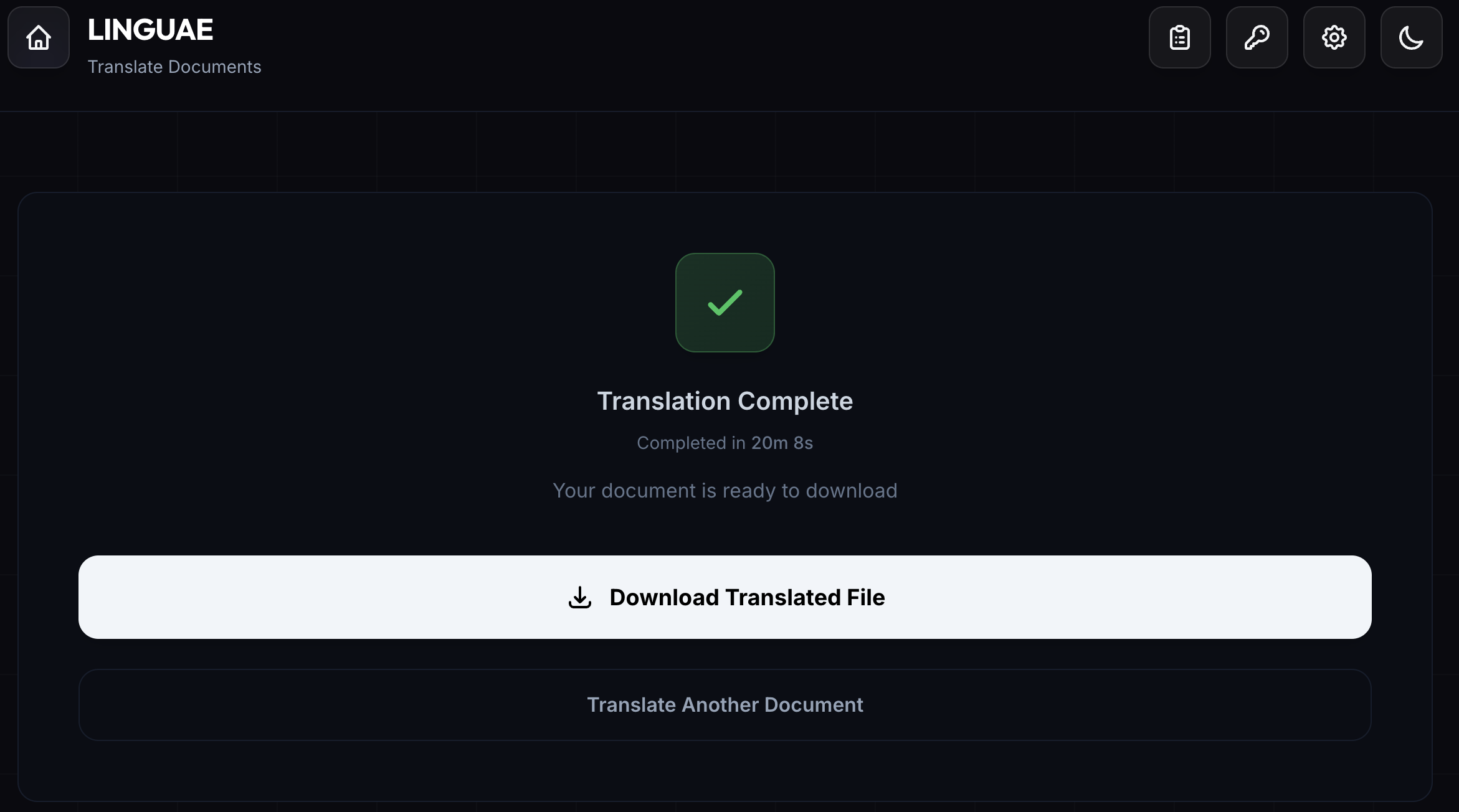
High Precision takes twice as long as Fast mode but delivers the most polished results.
Quality Analysis
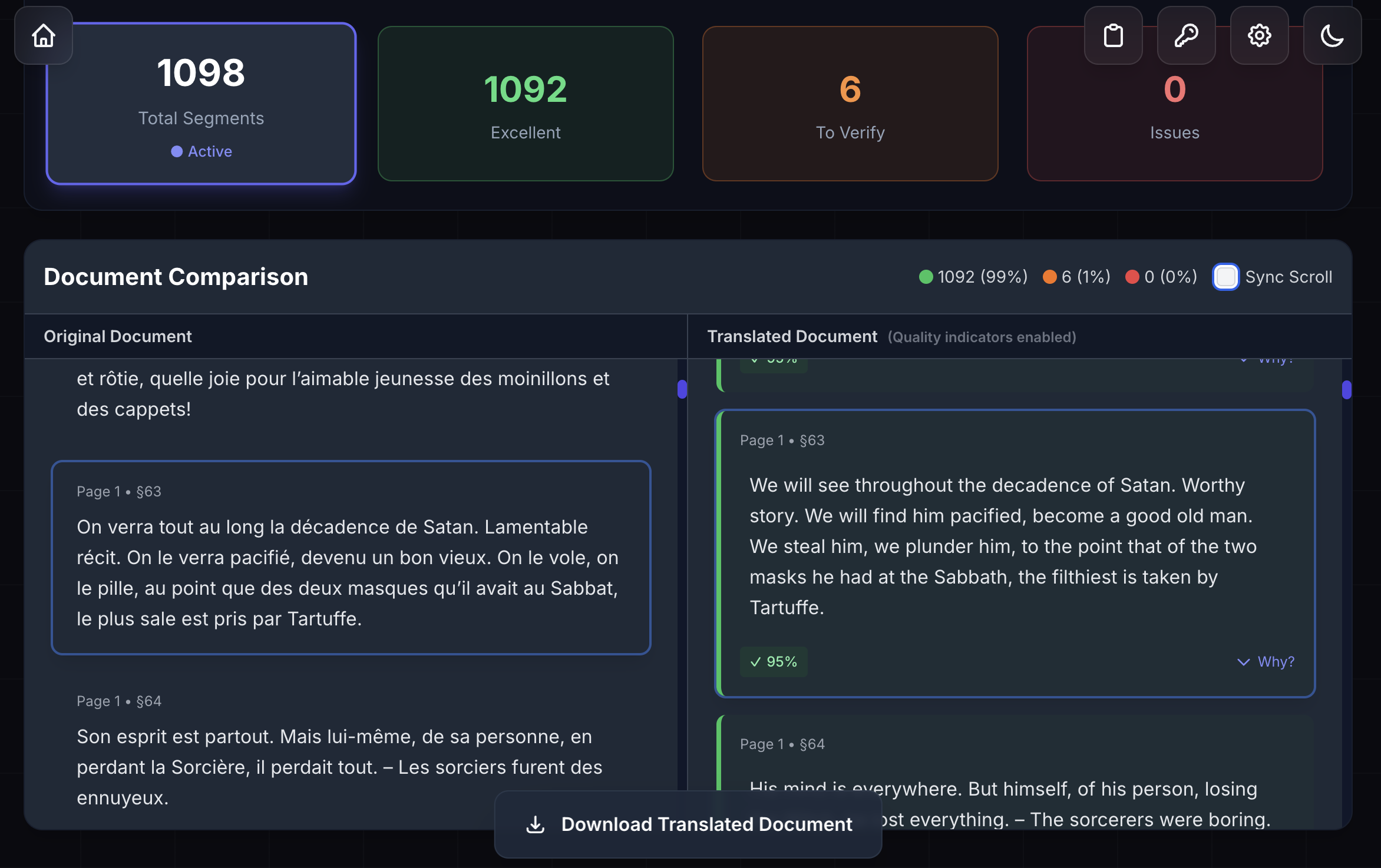
The automated scores match Balanced mode (99.5% excellent, 6 segments to review).
So why use High Precision?
High Precision explores more translation options before choosing the final wording. This produces more natural phrasing and better word choices, improvements that matter for professional publication but may not show up in automated scoring.
When to Use High Precision
Legal documents: Contracts, agreements where exact wording matters
Medical translations: Clinical documentation requiring precision
Published works: Books or papers going to print
Critical business documents: Mergers, acquisitions, IP filings
Final versions: The polished version after you've drafted in Fast mode
Real Example
A law firm translates a 200-page merger agreement. The 8 extra minutes (vs Balanced) ensure legal terminology is handled perfectly, potentially avoiding thousands in legal review costs from clarifying ambiguities.
Which Mode Should You Choose?
| Mode | Time | Quality | Use When | Avoid When |
|---|---|---|---|---|
| Fast | ~1.5s/page | 99.3% | Previews, batch work, drafts | Final publications, legal docs |
| Balanced | ~3.8s/page | 99.5% | Most translation work | Need max speed OR max quality |
| High Precision | ~5.5s/page | 99.5%+ | Legal, medical, published work | Quick drafts, time pressure |
Pro Tip: Two-Pass Workflow
- First pass (Fast): Translate the whole document
- Identify key sections: Mark the critical pages
- Second pass (High Precision): Re-translate only those sections
This gives you ~90% of High Precision quality in ~60% of the time.
Time Comparison: The Big Picture
For our 335-page book:
Manual copy-paste to Google Translate: 3-4 hours
- Split into chunks (character limits)
- Copy-paste each section
- Manually fix all formatting
- Result: Formatting completely broken
LINGUAE (any mode): 9-20 minutes
- Drag and drop file
- Click translate
- Get formatted document back
- Result: Perfect layout preservation
The time savings are dramatic. The quality difference is even more significant because you don't lose formatting.
Getting Started
- Download LINGUAE - Free for documents up to 5MB
- Drop your file - PDF, DOCX, PPTX, XLSX, TXT, or MD
- Pick your mode - Balanced is the default (and usually best)
- Get your translation - Minutes later with perfect formatting
All three modes are included in the FREE tier with 10 documents per month. If you need extra translations before the monthly reset, pay-per-document bundles start at $2 for 5 documents.
Need more? LINGUAE PRO gives you unlimited documents, larger files (50MB), Translation Memory, and Quality Comparison for $9.99/month.
Questions or want to share your results? Contact us